All 2 style variants
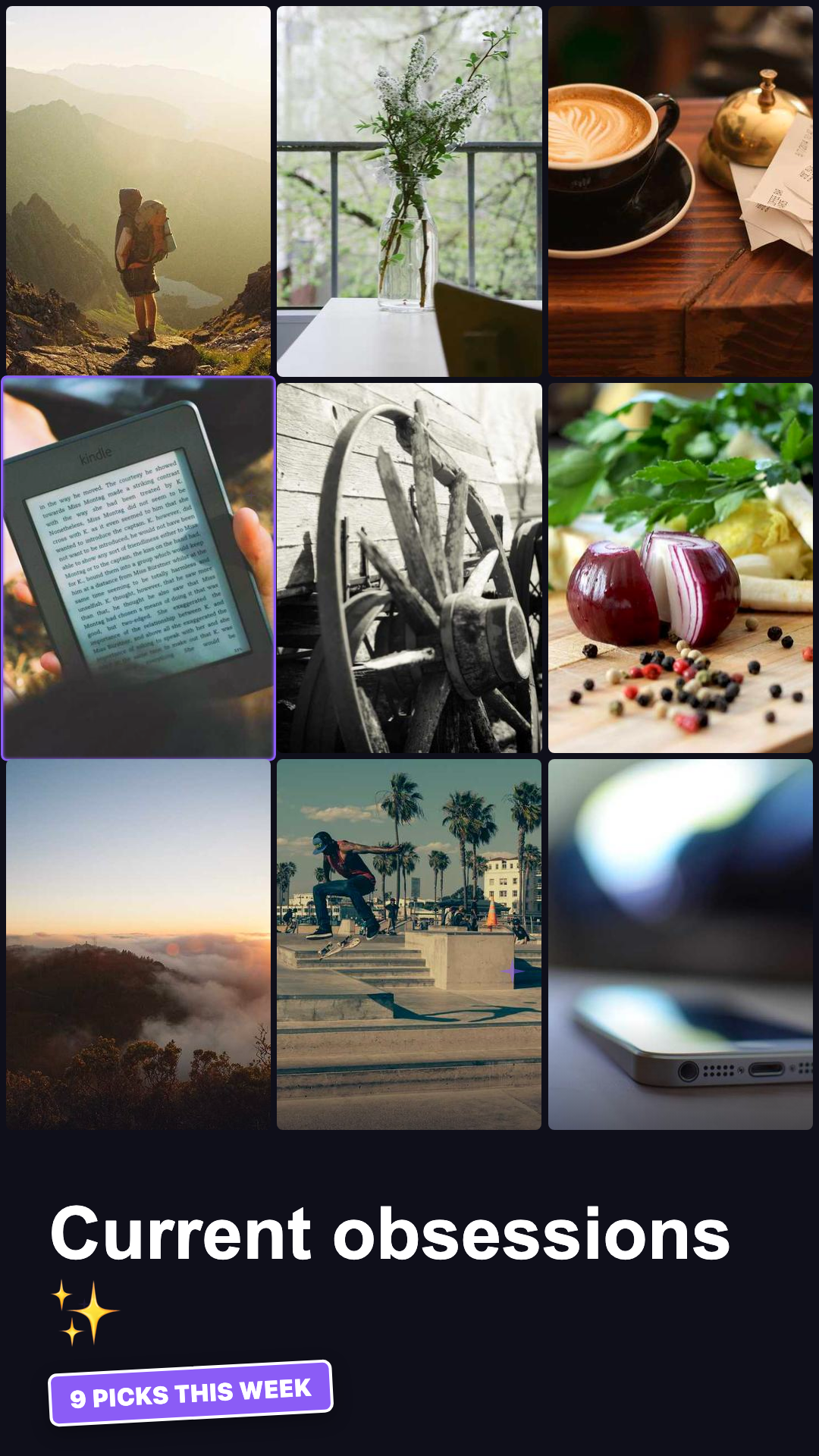
vibrant
Vibrant Mix
MoodBoard-VibrantMix
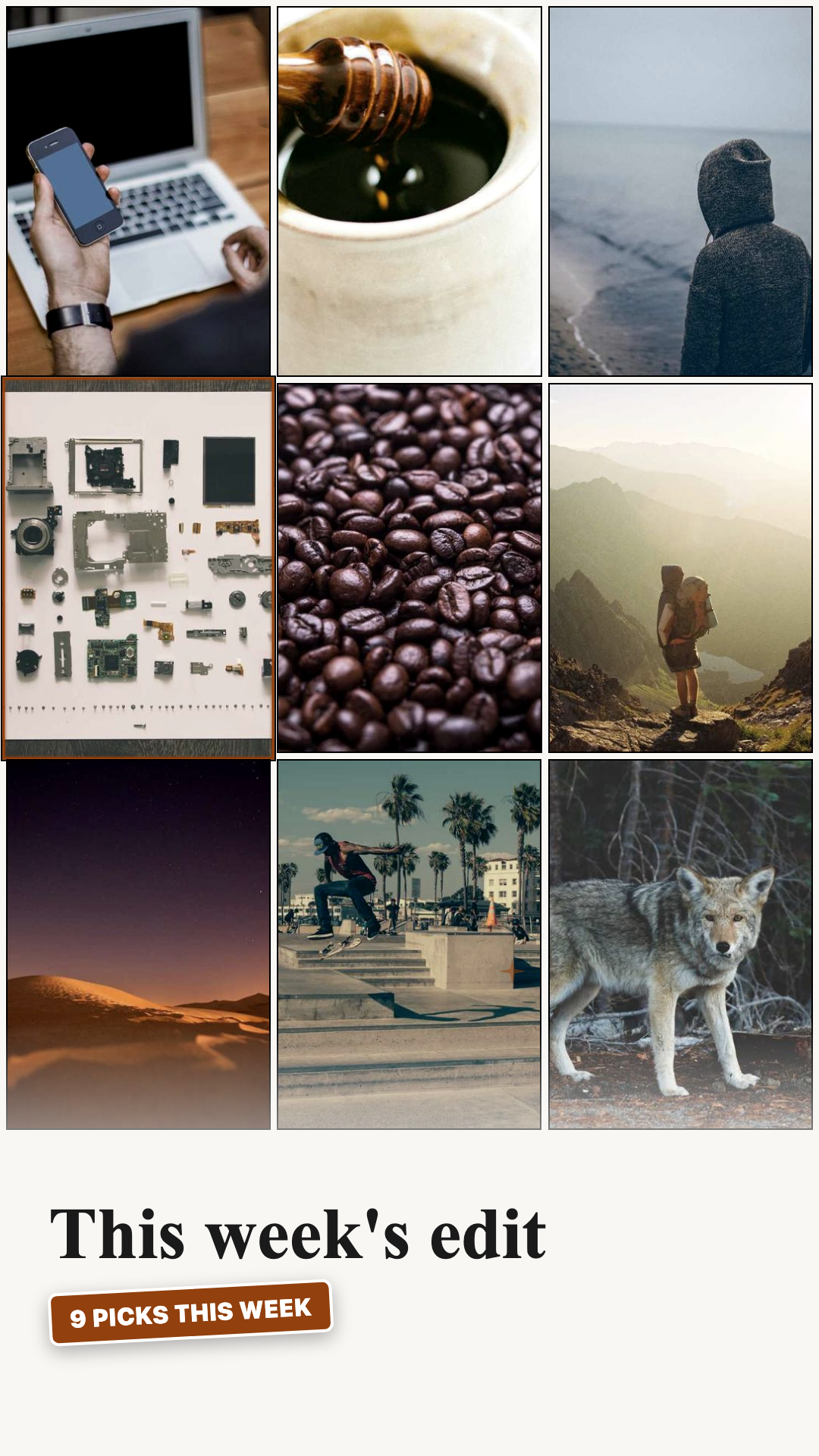
editorial
Editorial Grid
MoodBoard-EditorialGrid
9-tile image grid (3×3) with staggered reveals, a cycling NeonGlowBorder highlight, and a title + StickerBadge — two variants: VibrantMix and EditorialGrid.
A 9-second portrait video (1080×1920) that presents a 3×3 grid of lifestyle images. Each tile spring-pops in with a staggered 8-frame offset. Every 30 frames, a NeonGlowBorder cycles to the next tile, subtly zooming it to 1.04× scale. A title and StickerBadge fade up from the bottom over a gradient.
Vibrant Mix (THEME_BOLD) — colorful palette, saturated image filters, rounded tiles, glowing neon borders. Great for trend reports, “what I’m obsessed with” content, and creator mood dumps.
Editorial Grid (THEME_CREAM) — clean cream background, grayscale-boosted images, sharp 2px black borders, serif title. Great for fashion mood boards, brand aesthetic reels, and editorial showcases.
Click a variant below to switch the preview. Use arrow keys in the full player to step through all compositions.
Adjust colors below to see this template in your brand. Changes are saved in the URL so you can share or bookmark.
#0a0a0f#111827#ffffff#cbd5e1#e2e8f0#64748b#6366f1#a855f7#1e293bSaved designs and brands appear in My Brands. All data stays in your browser. Privacy policy
Clone the repo, install dependencies, then open Remotion Studio to preview all compositions live.
Edit the showcase file to swap in your own data. All templates accept typed props - no magic strings.
Export a full MP4, a looping GIF, or a still PNG of any specific frame - all from the CLI.
Every template supports all 22 themes out of the box. Pass any THEME_* constant from _shared/themes.ts to instantly switch the full visual identity.
All font sizes come from _shared/layouts.ts TYPE. Edit once, updates every composition. Minimum TYPE.caption (24px) - broadcast legibility standard for 1280x720.
Copy any THEME_* object in _shared/themes.ts, change the colors, register it in THEMES, then pass it to any template. No per-template changes needed.
Click any theme to explore its full color palette and see all templates available in that style.
Run Remotion Studio locally to scrub through every frame, adjust props in real time, and compare all style variants side by side. Studio opens at localhost:3000 after running npx remotion studio in the project root.