Back to library

Platform Overview

Present technology platforms with command center dashboards, module grid layouts, and tech stack animations. Built for CTOs, DevRel teams, and platform product managers.

16 style variants Remotion composition CC-BY-NC-SA

Use in technology presentations, partner briefings, and product demos.

Use cases

  • Technology platform capability presentations
  • SaaS product module overview videos
  • Tech stack architecture presentations
  • Developer platform onboarding content

What you get

  • Command Center - central hub with connected module indicators
  • Module Grid - capability tiles with icon and description
  • Stack - layered architecture view from infrastructure to application

Click a variant below to switch the preview. Use arrow keys in the full player to step through all compositions.

Customize brand colors

Adjust colors below to see this template in your brand. Changes are saved in the URL so you can share or bookmark.

Backgrounds
Page
#0a0a0f
Card / Section
#111827
Text
Heading (h1/h2)
#ffffff
Subheading (h3)
#cbd5e1
Paragraph
#e2e8f0
Muted / Caption
#64748b
Accents & Borders
Primary
#6366f1
Secondary
#a855f7
Border
#1e293b
Upload logo / CSS My Brands

Saved designs and brands appear in My Brands. All data stays in your browser. Privacy policy

All 16 style variants
Platform Overview - Command Center Dark
dark
Command Center Dark
PlatformOverview-CommandCenterDark
Platform Overview - Command Center Neon
neon
Command Center Neon
PlatformOverview-CommandCenterNeon
Platform Overview - Module Grid Dark
dark
Module Grid Dark
PlatformOverview-ModuleGridDark
Platform Overview - Module Grid Neon
neon
Module Grid Neon
PlatformOverview-ModuleGridNeon
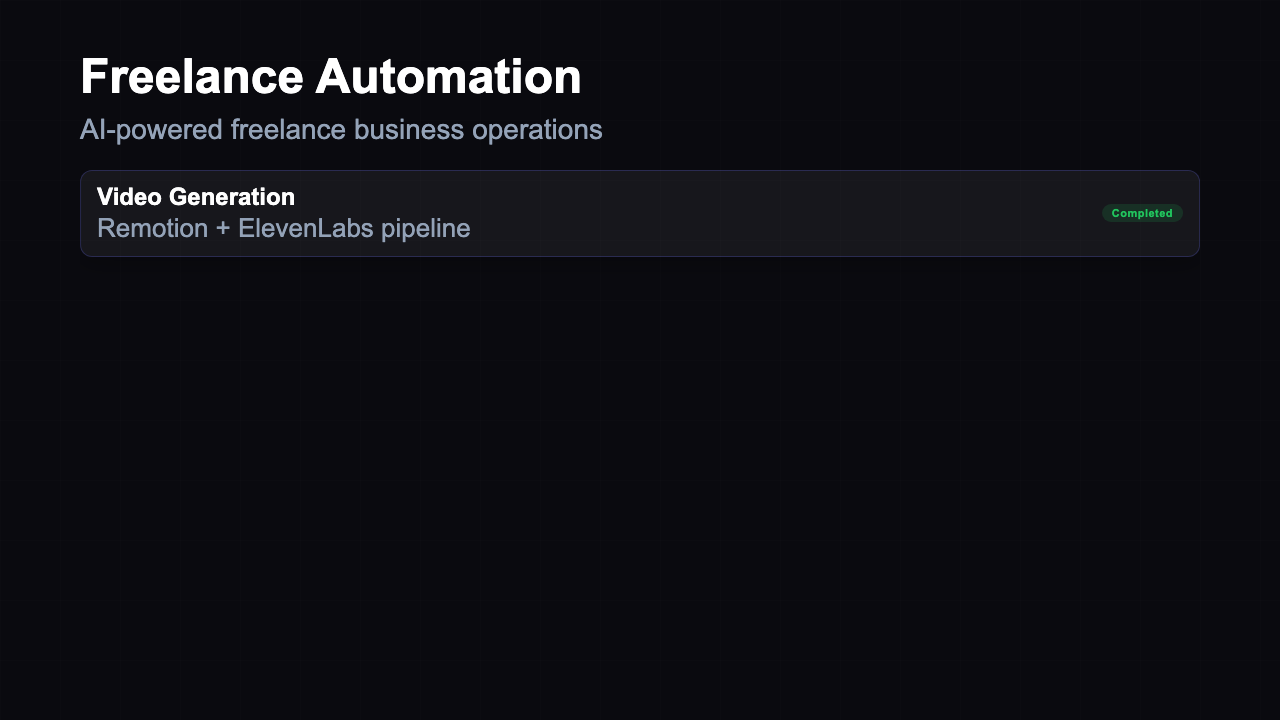
Platform Overview - Stack Dark
dark
Stack Dark
PlatformOverview-StackDark
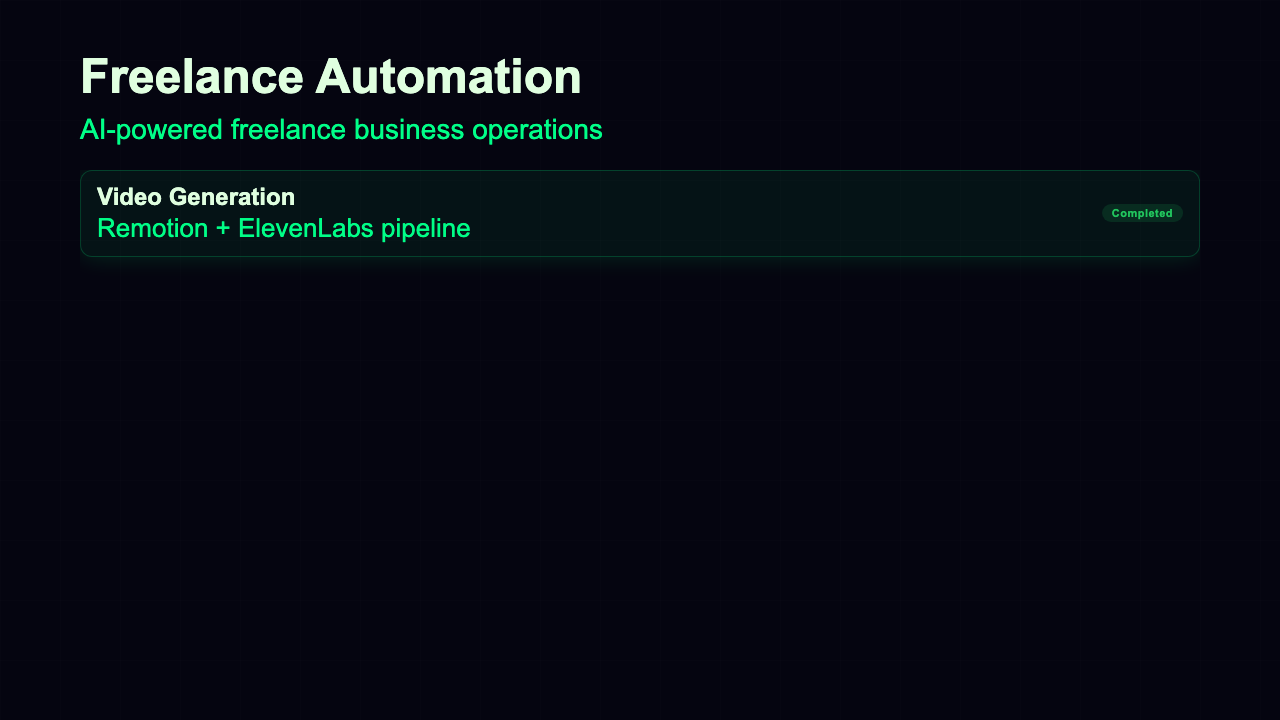
Platform Overview - Stack Neon
neon
Stack Neon
PlatformOverview-StackNeon
Platform Overview - Platform Overview Ocean Command Center
ocean
Platform Overview Ocean Command Center
PlatformOverviewOceanCommand-Center
Platform Overview - Platform Overview Sunset Command Center
sunset
Platform Overview Sunset Command Center
PlatformOverviewSunsetCommand-Center
Platform Overview - Platform Overview Forest Module Grid
forest
Platform Overview Forest Module Grid
PlatformOverviewForestModule-Grid
Platform Overview - Platform Overview Rose Module Grid
rose
Platform Overview Rose Module Grid
PlatformOverviewRoseModule-Grid
Platform Overview - Platform Overview Gold Stack
gold
Platform Overview Gold Stack
PlatformOverviewGold-Stack
Platform Overview - Platform Overview Midnight Stack
midnight
Platform Overview Midnight Stack
PlatformOverviewMidnight-Stack
Platform Overview - Platform Overview Crimson Command Center
crimson
Platform Overview Crimson Command Center
PlatformOverviewCrimsonCommand-Center
Platform Overview - Platform Overview Lavender Command Center
lavender
Platform Overview Lavender Command Center
PlatformOverviewLavenderCommand-Center
Platform Overview - Platform Overview Arctic Module Grid
arctic
Platform Overview Arctic Module Grid
PlatformOverviewArcticModule-Grid
Platform Overview - Platform Overview Espresso Module Grid
espresso
Platform Overview Espresso Module Grid
PlatformOverviewEspressoModule-Grid

Theme x Layout Matrix

Platform Overview - Command Center Dark
dark
Command Center Dark
PlatformOverview-CommandCenterDark
Platform Overview - Command Center Neon
neon
Command Center Neon
PlatformOverview-CommandCenterNeon
Platform Overview - Module Grid Dark
dark
Module Grid Dark
PlatformOverview-ModuleGridDark
Platform Overview - Module Grid Neon
neon
Module Grid Neon
PlatformOverview-ModuleGridNeon
Platform Overview - Stack Dark
dark
Stack Dark
PlatformOverview-StackDark
Platform Overview - Stack Neon
neon
Stack Neon
PlatformOverview-StackNeon
Platform Overview - Platform Overview Ocean Command Center
ocean
Platform Overview Ocean Command Center
PlatformOverviewOceanCommand-Center
Platform Overview - Platform Overview Sunset Command Center
sunset
Platform Overview Sunset Command Center
PlatformOverviewSunsetCommand-Center
Platform Overview - Platform Overview Forest Module Grid
forest
Platform Overview Forest Module Grid
PlatformOverviewForestModule-Grid
Platform Overview - Platform Overview Rose Module Grid
rose
Platform Overview Rose Module Grid
PlatformOverviewRoseModule-Grid
Platform Overview - Platform Overview Gold Stack
gold
Platform Overview Gold Stack
PlatformOverviewGold-Stack
Platform Overview - Platform Overview Midnight Stack
midnight
Platform Overview Midnight Stack
PlatformOverviewMidnight-Stack
Platform Overview - Platform Overview Crimson Command Center
crimson
Platform Overview Crimson Command Center
PlatformOverviewCrimsonCommand-Center
Platform Overview - Platform Overview Lavender Command Center
lavender
Platform Overview Lavender Command Center
PlatformOverviewLavenderCommand-Center
Platform Overview - Platform Overview Arctic Module Grid
arctic
Platform Overview Arctic Module Grid
PlatformOverviewArcticModule-Grid
Platform Overview - Platform Overview Espresso Module Grid
espresso
Platform Overview Espresso Module Grid
PlatformOverviewEspressoModule-Grid

How to use this template

1

Clone and install

Clone the repo, install dependencies, then open Remotion Studio to preview all compositions live.

terminal
# Clone the repo
git clone https://github.com/mzzavaa/freelancer-templates.org
cd freelancer-templates.org
npm install

# Start Remotion Studio (live preview)
npx remotion studio
2

Customize the template

Edit the showcase file to swap in your own data. All templates accept typed props - no magic strings.

src/remotion/templates/platformoverview/PlatformOverviewShowcase.tsx
// Swap these props with your own data
const MY_SPEC = {
  // See Platform Overview.tsx for the full spec type
  title: "Your title here",
  theme: THEME_DARK, // or THEME_NEON etc.
};
3

Render to video, GIF or image

Export a full MP4, a looping GIF, or a still PNG of any specific frame - all from the CLI.

terminal
# Render full video (MP4)
npx remotion render PlatformOverview-CommandCenterDark out/video.mp4

# Export a still (frame 0 = thumbnail)
npx remotion still PlatformOverview-CommandCenterDark --frame=0 out/thumb.png

# Export animated GIF
npx remotion render PlatformOverview-CommandCenterDark out/preview.gif

22 built-in themes

Every template supports all 22 themes out of the box. Pass any THEME_* constant from _shared/themes.ts to instantly switch the full visual identity.

Dark Clean Bold Warm Minimal Neon LM

Typography scale

All font sizes come from _shared/layouts.ts TYPE. Edit once, updates every composition. Minimum TYPE.caption (24px) - broadcast legibility standard for 1280x720.

hero72px
title52px
body32px
caption24px

Add a custom theme

Copy any THEME_* object in _shared/themes.ts, change the colors, register it in THEMES, then pass it to any template. No per-template changes needed.

export const THEME_MYBRAND: Theme = {
  name: "mybrand",
  bg: "#0d0d0d",
  accent: "#ff6b35",
  // ... other tokens
};
Available Themes

This template in 12 themes

Click any theme to explore its full color palette and see all templates available in that style.

Preview live in Remotion Studio

Run Remotion Studio locally to scrub through every frame, adjust props in real time, and compare all style variants side by side. Studio opens at localhost:3000 after running npx remotion studio in the project root.