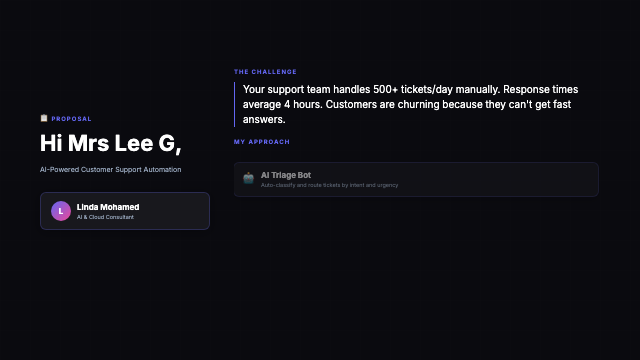
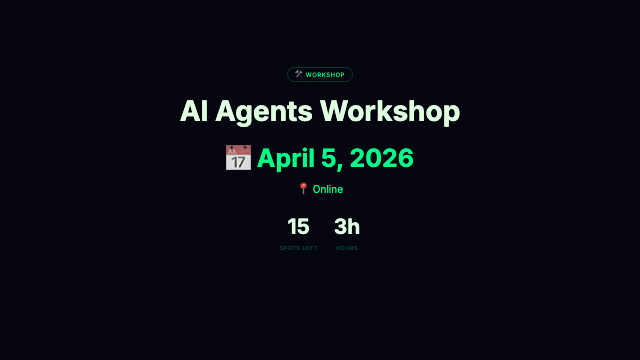
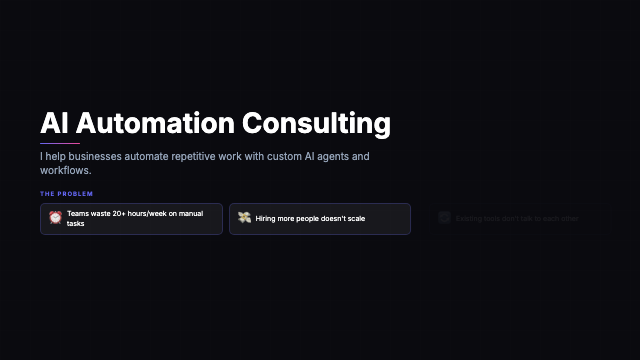
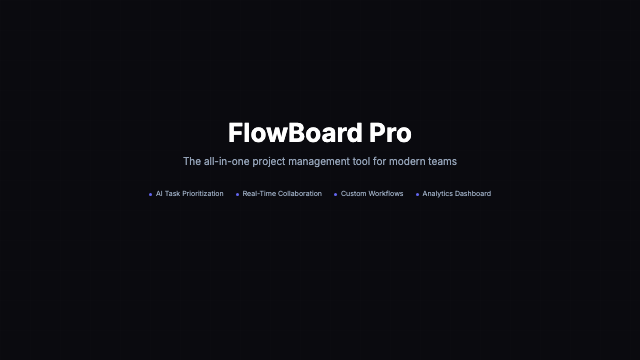
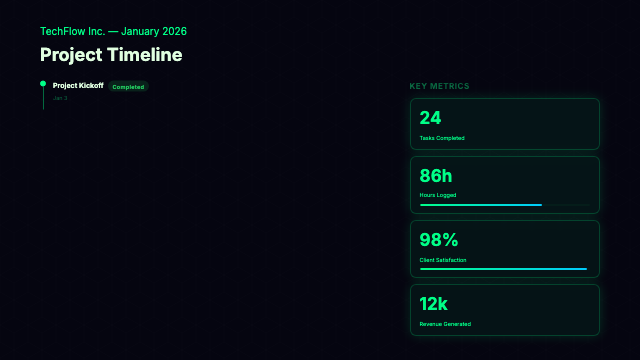
Remotion Studio is a local browser app that lets you scrub through every frame, change props, compare themes, and export to MP4, GIF, or PNG - all without touching config files.
Every preview below was generated with a single npx remotion render command. Hover to play.
Browse all compositions in the library to find the template that fits your project.
Get the full project including all 318 compositions and the shared design system.
This opens a browser at localhost:3000 with a live preview of every registered composition. Use the sidebar to switch templates and the timeline to scrub frames.
Open any *Showcase.tsx file, change the spec data, and the Studio hot-reloads instantly. No rebuild needed.
All exports use the Remotion CLI. Run from the project root after npm install.
Full quality H.264 video. Use for LinkedIn, YouTube, client deliverables.
Export any single frame as a PNG. Great for thumbnails, social cards, and preview images.
Looping GIF for social media previews, README badges, and email signatures.
Use Remotion Lambda to render hundreds of personalized videos in parallel. Costs pennies per video.
All visual tokens live in two files. Edit them once and every template updates automatically.
Each THEME_* object defines the complete visual identity: background, text, accent, card, gradient. Add a new theme by copying an existing one and changing 5-6 color values.
The TYPE scale controls all font sizes. Increase values here to make text bigger across every template. Minimum TYPE.body = 20 keeps text legible at thumbnail scale.
Browse all 318 compositions in the library, pick a template, and follow the steps above to get Remotion Studio running locally.